Every link and tracked QR code in your account counts its opens. You can see how many people came, where from, and when.
For one link
- Open Links in your dashboard.
- Click the link.
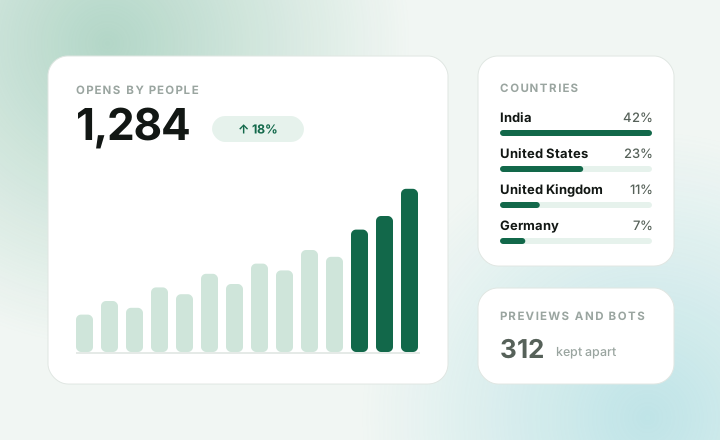
- The panel shows:
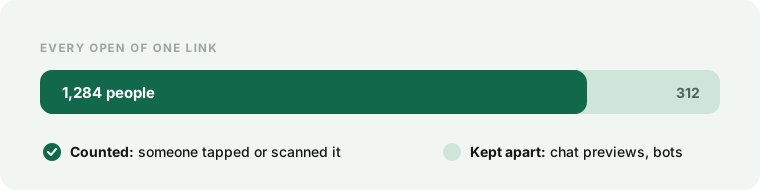
- Opens by people: real visits.
- Countries: where people were.
- Came from: the site or app that sent them. “direct” means typed in, or opened from a chat or email app.
Tracked QR codes work the same way in QR codes, under Scans by people.
A new open can take a minute to show. Press refresh to update.
For everything
Open Analytics to see all your links and codes together:
- Opens per day
- Your top links
- Your busiest day
- Previews and bots, counted apart
Why we leave bots out
When you paste a link into a chat, the app opens it to make a preview. So do search engines and scanners. Counting those would make every link look busier than it is.
Take your data with you
Export every link as CSV or JSON, on any plan.
How far back
The free plan shows the last 90 days. Pro keeps two years of daily totals.
Plain QR codes can’t count scans. Make a tracked code instead.