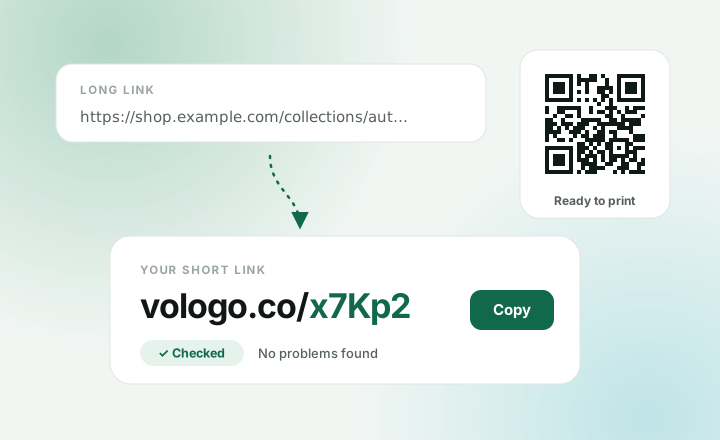
A short link is a small web address that sends people to a long one. It is easier to share, fits in a text message, and looks tidy on a poster.
Without an account
- Go to the homepage.
- Paste your long link into the box.
- Press Shorten.
- Press Copy and share it.
You also get a QR code for the same link, ready to print.
Links made without an account work for 30 days. Sign up free to keep them.
Keep it for good
Sign up free with Google or an email code. No card needed. Then:
- Open Links in your dashboard.
- Press New link.
- Paste the long link into Destination.
- Add a Label if you like. Only you see it.
- Press Create link.
Your links stay as long as your account does. The free plan keeps 50 active links and makes 100 new ones a month.
Is it safe to click?
We check every link against lists of known scam and virus sites. A link shows Checked when nothing was found. If a link turns bad later, we stop it, so your short links never send people somewhere harmful.
Make it yours PRO
- Your own ending: press Advanced options and fill in Custom ending, like
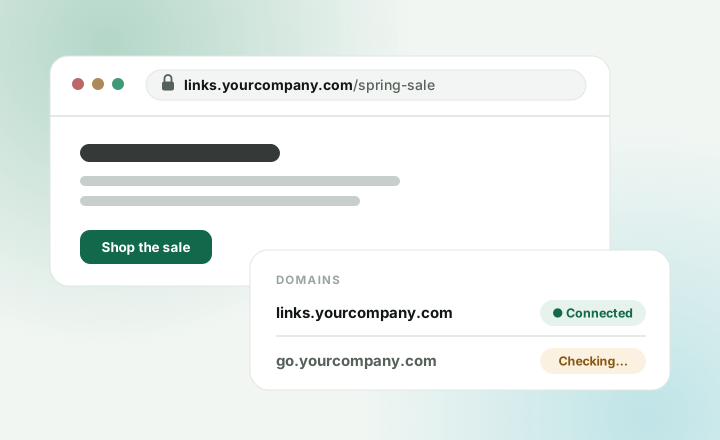
/spring-sale. - Your own domain: links like
links.yourcompany.com/sale. See Put short links on your own domain. - Bulk import: in Links, open Import links. Paste a list or upload a CSV file to make up to 500 links at once.