Some links shouldn’t live forever. A sale ends. An invite is for one person. A file is private. You can control all of this, free.
Where to find it
- Open Links and press New link.
- Paste the long link into Destination.
- Press Advanced options.
Use one option, or mix them.
Make it expire
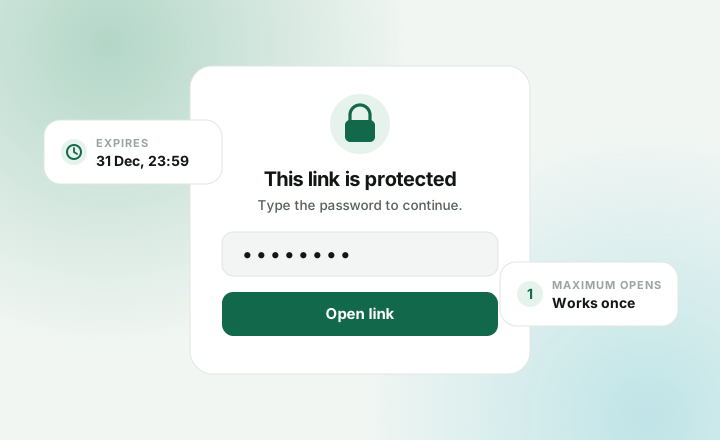
Set a date and time under Expires. After that, the link stops working.
Good for sales, event sign-ups and limited offers.
Make it work once
Set Maximum opens to 1. The first person gets through. After that, it stops.
Set a bigger number for a small group, like 20 for a team.
Good for invites, private downloads and one-off codes.
Add a password
Type a password under Password. Visitors must enter it before the link opens.
Send the password separately, not in the same message as the link.
Good for private documents, client previews and early access.
Stop a link now
Open the link and press Revoke. It stops working right away, for good.